Text and appearance字号与页面设置
Text size, line spacing, margins and themes. Reflow keeps your reading position; page turns leave the text undisturbed.
字号、行距、页边距与主题随你调整。重排保留阅读位置,翻页时不弹出操作提示。

EPUB / PDF · Apple TV / MacEPUB / PDF · Apple TV / Mac
Open your books on Apple TV and turn pages with the remote. Upload files from a browser. The macOS version is under App Store review.
用 Apple TV 阅读自己的电子书,遥控器即可翻页。可通过网页上传文件。macOS 版仍在上架审核中。
01 / Reading大屏阅读
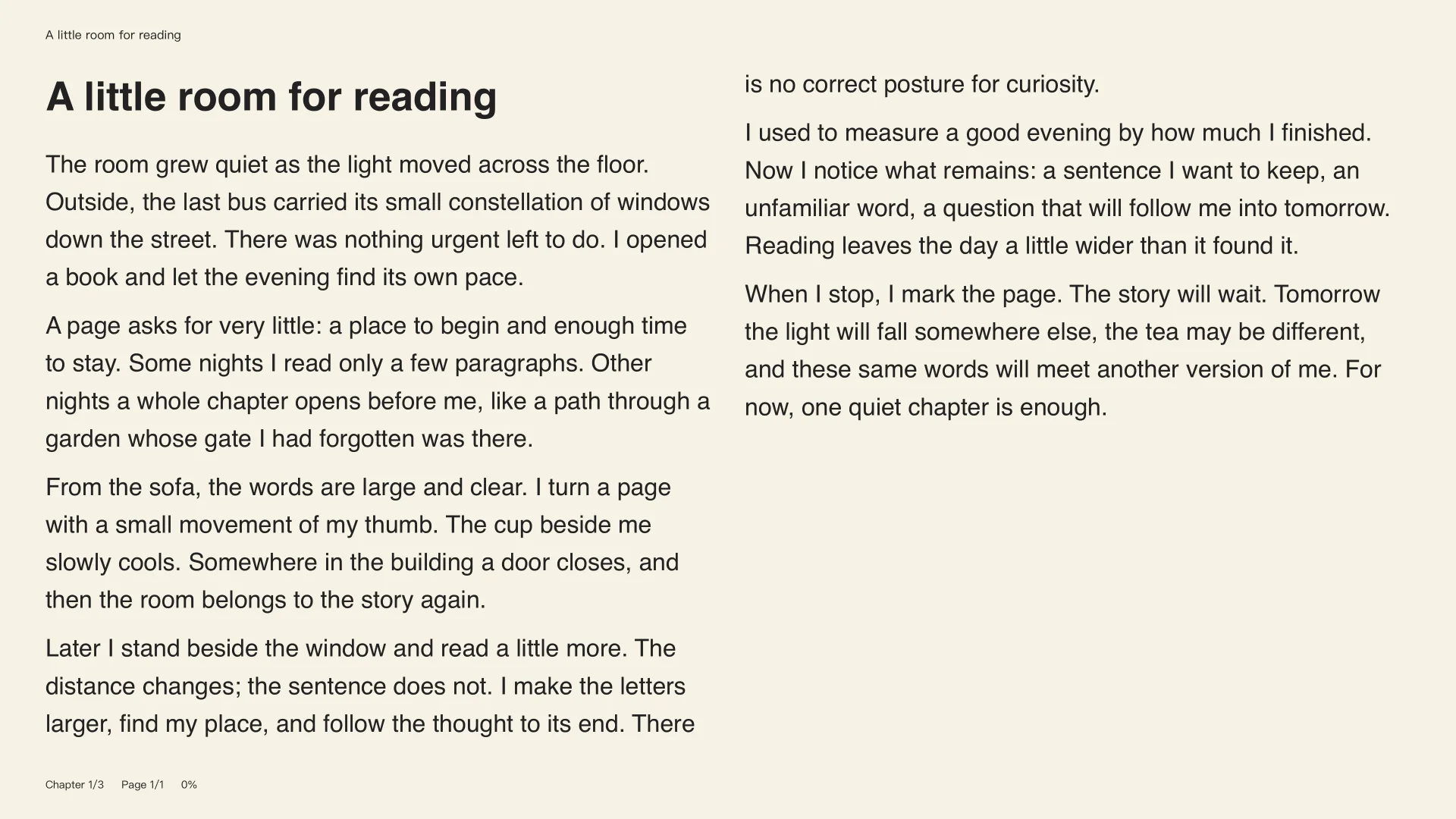
Sit back on the sofa or stand up for a change. Press Left or Right, or swipe, to turn a page. Adjust the text size with the remote to suit where you are.
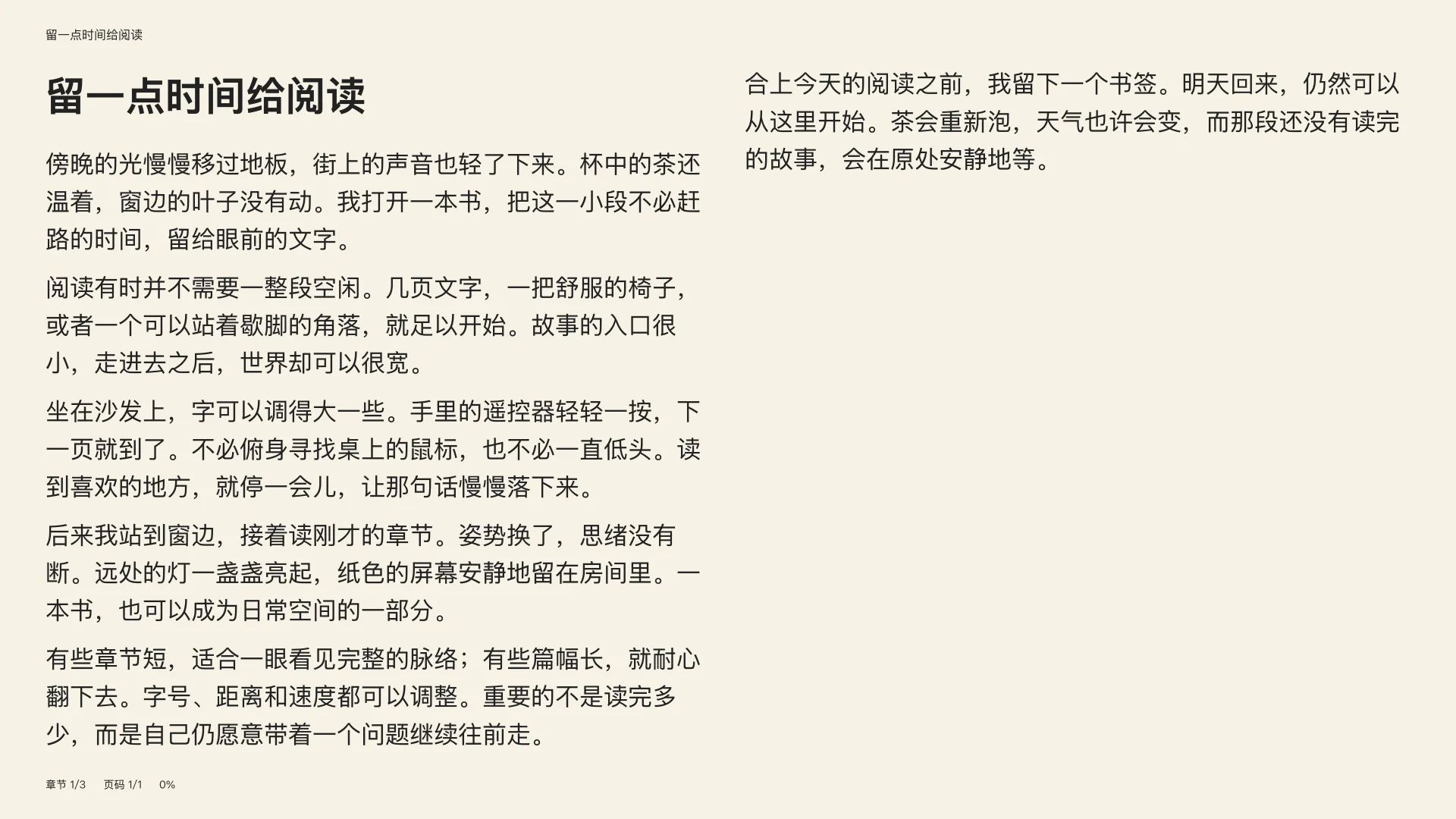
坐着读,或站起来接着读。轻按左右方向键,或左右滑动,就能翻页。用遥控器调整字号,找到适合观看距离的文字大小。
EPUB text supports one, two or three columns. Choose a column count and text size to suit your screen.
EPUB 正文支持一栏、两栏和三栏,可按屏幕大小与观看距离调整。
Text size, line spacing, margins and themes. Reflow keeps your reading position; page turns leave the text undisturbed.
字号、行距、页边距与主题随你调整。重排保留阅读位置,翻页时不弹出操作提示。
Read PDFs in their original layout. Zoom and move around pages, explore compatible image-based EPUB comics, or open a book illustration full screen.
PDF 保留原版布局,可缩放和移动;兼容的图片型 EPUB 漫画支持多页阅读,正文插图也能打开全屏细看。
Use landscape, or physically rotate a compatible display for portrait reading. Preview a direction before keeping it. Portrait requires a rotatable display.
支持横屏与竖屏布局,切换方向时可先预览。竖屏需要物理旋转兼容的显示器。
02 / Upload files上传文件
Connect your phone or computer to the same network as Apple TV, then upload an EPUB or PDF in a browser. Local reading does not require an account. A sample book is included to try the controls.
手机或电脑与 Apple TV 连接同一网络,即可在浏览器上传 EPUB 或 PDF。本地阅读无需注册账号,内置示例书可用于熟悉操作。
Local import guide →查看本地导入说明 →Keep the sending device on the same trusted network.
让手机或电脑与电视连接同一可信网络。
Use your phone, or open the address shown on the TV in a browser.
用手机扫描二维码,或在浏览器输入电视上显示的地址。
Upload a downloaded, DRM-free file. The library refreshes automatically.
上传已下载、无 DRM 的文件,电视书库会自动刷新。
03 / Mac importMac 导入
BookAlong for macOS is still under review for release on the Mac App Store. If you’ve purchased BookAlong for Apple TV, you can use the macOS version at no extra cost once it’s released. BookAlong 的 macOS 版仍在 Mac App Store 上架审核中。已购买 Apple TV 版 BookAlong 的用户,可在 macOS 版上架后免费使用。
Add your EPUB and PDF files in BookAlong, share them from Finder, or keep a local folder connected. Your books join the same private iCloud library for Apple TV.
在 BookAlong 添加 EPUB、PDF,从 Finder 分享,或连接本地文件夹。书籍汇入同一个私有 iCloud 书库,在 Apple TV 上阅读。
Download on the Mac App Store在 Mac App Store 获取Set up folder import了解文件夹导入Grant read-only access to a folder. New and changed supported files are imported while the app runs. Pause or disconnect at any time; imported books are kept.
授权只读访问一个目录,应用运行时增量导入新增和变化的受支持文件。随时暂停或断开,已导入书籍保留。
Open an imported EPUB or PDF on Mac to check its pages. Once it syncs, find it in your Apple TV library and download it to read.
在 Mac 打开已导入的 EPUB 或 PDF,确认页面内容。同步完成后,在 Apple TV 书库中找到并下载阅读。
macOS 14 or later. Use the same iCloud account on Mac and Apple TV.需要 macOS 14 或更高版本。Mac 与 Apple TV 需登录同一 iCloud 账号。
04 / Library and privacy书库与隐私
Local and iCloud books appear in one library, ordered by the most recent upload or opening. Cloud books use your Apple Account’s private iCloud database. BookAlong has no ads or third-party analytics.
本地和 iCloud 书籍合并显示,按最近上传或打开的时间排序。云书库使用你 Apple 账户的 iCloud 私有数据库。应用没有广告或第三方分析。
BookAlong does not unlock DRM-protected purchases. Keep your original files: tvOS can clear downloaded caches. Up to 80 MiB per book and 2,000 cloud entries.
随阅不解锁 DRM 购书。请保留原文件:tvOS 可能清理已下载的缓存。单本上限 80 MiB,云书目上限 2,000 本。
Read the privacy policy →阅读隐私政策 →Devices设备要求